 Tastiana
Digital menus for restaurants: what guests need on their phone
What a digital menu for restaurants should do, from search and dietary labels to booking, and ten questions to ask before you choose one.
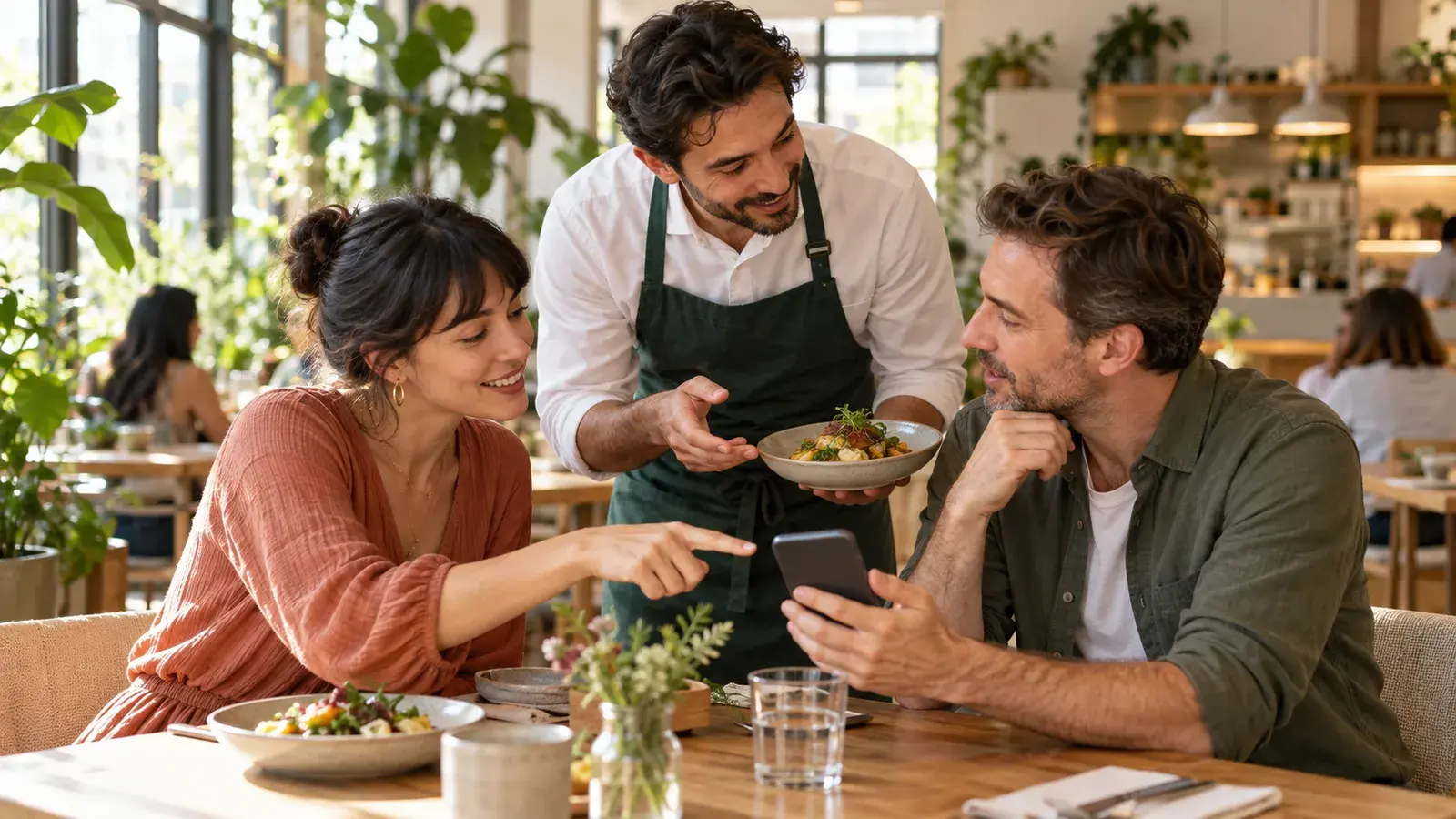
"Digital menu" means different things to different people. To a burger chain it is the screen above the counter. To a busy café it may be the app guests use to order and pay at the table. And to most guests it is simply the menu they look at on their phone before they decide where to eat. This guide is about that last one, because it is where the decision to visit you is made.
Three things called a digital menu
| Type | What it does | Where it is used |
|---|---|---|
| Digital menu boards | Screens that show the menu above a counter or in a window | Quick-service restaurants, cafés, takeaways |
| Order-and-pay apps | Guests order and pay from their phone at the table | Busy casual venues, bars, food halls |
| Online menus for guests | The menu guests read on their phone, before and during the visit | Every restaurant with a website, a Google listing or a QR code |
The first two change how you take orders. The third changes whether a guest chooses you at all, and every restaurant needs one, whatever it does at the counter.
Why the menu on the guest's phone matters most
Few people walk into a restaurant on a whim. They check the menu first: when a friend shares your link in a group chat, when they compare three places nearby, or when they sit down and scan the QR code on the table. Most of that looking happens on a phone, which now accounts for about 59 percent of web browsing worldwide, according to StatCounter.
That makes the menu on a phone your shop window. If it is easy to read and makes the dishes sound good, guests arrive already looking forward to their meal. If it is a PDF that needs pinching and zooming, many of them never arrive.
What a good digital menu does
It is easy to read
- The whole menu, food and drinks, in one place.
- Text that reads without zooming, with strong contrast, also in a dim room.
- Sections guests can jump between on a long menu.
- A text size setting for guests who need larger print.
It helps guests find and decide
- A search, for when a guest already knows they want the salmon or a negroni.
- Exact prices next to each dish, as on your printed menu.
- Dietary labels shown the same way on every dish, with a key.
- Descriptions that say what is in a dish and why it is worth ordering.
- Help for the undecided: what suits a quick lunch, a first date or a vegetarian in the group.
It leads to the next step
- A clear booking button that opens your own booking system.
- Opening hours, address and directions, one tap away.
- A way to ask about the menu, with allergy questions always referred to your staff.
It stays yours and stays current
- Your colours, fonts and logo, so it looks like your restaurant.
- A link and QR code that never change, even when the menu does.
- Updates that follow your real menu, so guests never see last season's prices.
- Your guests' language, at least in English if you welcome visitors from abroad.
What to avoid
- Apps and sign-ups. A guest who has to install something or create an account before seeing a dish will often give up.
- Chat windows that pop up uninvited. Guests came to read a menu, not to start a conversation. Let them ask when they want to.
- A menu that drifts. A digital menu you have to retype by hand soon differs from the real one.
- Invented content. An AI that writes dishes or prices of its own, or guesses which dishes are safe for allergies, puts your guests and your reputation at risk.
- Clutter. Banners, pop-ups and promotions push the dishes out of sight.
How to choose a digital menu: ten questions to ask
- Does it open in the phone's browser, with no app and no sign-up?
- Can guests read it on a phone without zooming?
- Does it use the menu I already have, PDFs included, or do I have to retype it?
- How does it stay up to date when my menu changes, and who approves the changes?
- Does it show my exact prices and dietary labels, without rewriting them?
- Does it handle drinks, wine lists and set menus as well as food?
- Does it link to the booking system I already use?
- Which languages can guests read it in?
- Does it look like my restaurant, and can I change that myself?
- What does it cost per location, and what happens to my data if I leave?
Where to use your digital menu
Once you have one link that always shows your current menu, use it everywhere guests look:
- Your website, behind a clear "Menu" button.
- The QR code on your tables, so guests open the same menu at the table. See our guide to QR code menus guests actually like.
- Your Google Business Profile, as the menu link.
- Your Instagram bio and other social profiles.
- Booking confirmations, so guests can look forward to their visit.
How to tell whether it works
A digital menu earns its place when it brings guests through the door, so look at what happens after guests open it:
- How many guests open the menu, and from where: your website, the QR code on the table or a shared link.
- How many tap through to booking after reading it. That number matters more than page views.
- What guests ask about. Repeated questions show what your menu does not answer yet, such as a missing price, an unclear dish or a dietary label nobody understands.
- What your staff notice. Fewer guests asking "What is this dish?" or "Is there anything vegetarian?" is a good sign the menu is doing its job.
Compare a few weeks before and after a change, rather than day to day, because bookings vary with the weather, the season and the day of the week.
How Tastiana does it
Tastiana is a digital menu for the guest's phone. It reads the menu already on your website, PDFs included, and turns it into an interactive menu with search, exact prices and dietary labels, help choosing and your booking button, in your own language and in English. It opens from a clear Menu | Book a table button on your website, from a QR code or from a link, works in the phone's browser like an app, and takes on your colours and fonts. It checks your website daily, larger changes wait for your approval, and your dashboard shows how many guests open the menu, from where, and how many tap through to booking. Try the demo on your phone.
Questions restaurants ask
What is a digital menu?
Usually one of three things: screens above a counter, an app guests order and pay with, or the menu guests read on their phone. Every restaurant needs the last one, because that is where guests decide whether to visit.
Is a digital menu the same as a QR code menu?
A QR code is one way to open a digital menu at the table. The same menu should also open from your website, your Google profile and your social media links.
Do digital menus replace printed menus?
No. They help guests decide before they arrive and at the table, but a few printed menus remain a courtesy for guests who prefer paper.
Do guests need to download an app?
They should not. A good digital menu opens in the phone's browser straight away, without an app or a sign-up.